

No products in the basket.

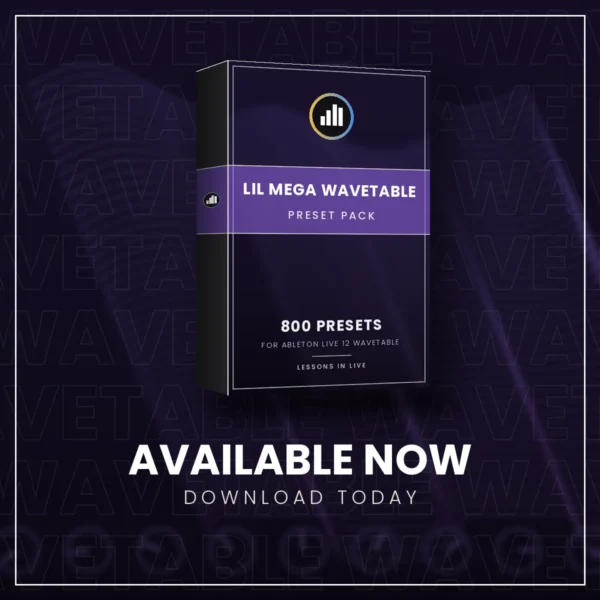
LIL Mega Wavetable Pack
Details
€4,95
800 fresh Wavetable sounds in one folder: basses, leads, chords, pads, keys, plucks, sequences and FX. Each one is a full Instrument Rack with Live’s own Saturator, Reverb and more behind it, chords, scales and arpeggios in front where it suits, and macros for cutoff, resonance and every effect. Drop the folder into your User Library and play.
Requires Ableton Live 12 Standard or Suite (Wavetable is not in Live Intro or Lite). Mac and Windows.
800 fresh sounds for Ableton Live’s Wavetable synth, 100 of each kind:
- Bass
- Lead
- Chords
- Pad
- Keys
- Pluck
- Sequence
- FX
A full rack behind every sound
Every preset is an Instrument Rack built around Wavetable, with Live’s own effects behind it. All 800 have Saturator and Reverb; 260 add a Delay, 171 Chorus-Ensemble and 128 Phaser-Flanger. In front of the synth, 198 presets have a Scale device (everything stays in key), 127 a Chord device (one key plays a whole chord) and 162 an Arpeggiator.
Each rack shows macros for Cutoff, Resonance, Drive and Reverb, plus the other effects in its chain, so every preset is a starting point you can shape from one knob.
What you need
- Ableton Live 12 Standard or Suite (Wavetable is not in Live Intro or Lite).
- Mac or Windows.
- Nothing else: only Live’s own devices are used.
How to install
- Unzip the download.
- Put the folder LIL Mega Wavetable Pack into User Library › Presets › Instruments › Wavetable. On a Mac the User Library is usually in Music › Ableton › User Library, on Windows in Documents › Ableton › User Library. Make the Wavetable folder if it isn’t there yet.
- In Live’s browser, go to User Library › Presets › Instruments › Wavetable › LIL Mega Wavetable Pack and drag any preset onto a MIDI track.
The same instructions are in the READ ME inside the zip. Made by Camiel Daamen / Lessons in Live.
Also in the series: LIL Mega Drift Pack and LIL Mega Analog Pack, 800 presets each.
Lessons in Live courses
Turn these sounds into finished tracks
Learn to make your own tracks in Ableton Live with Camiel Daamen, Ableton Certified Trainer with 25+ years in house music. Online courses, live group courses (Beginners and Intermediate) and private lessons.
SHARE THIS PRODUCT: