

No products in the basket.

Driftwood
Details
SALE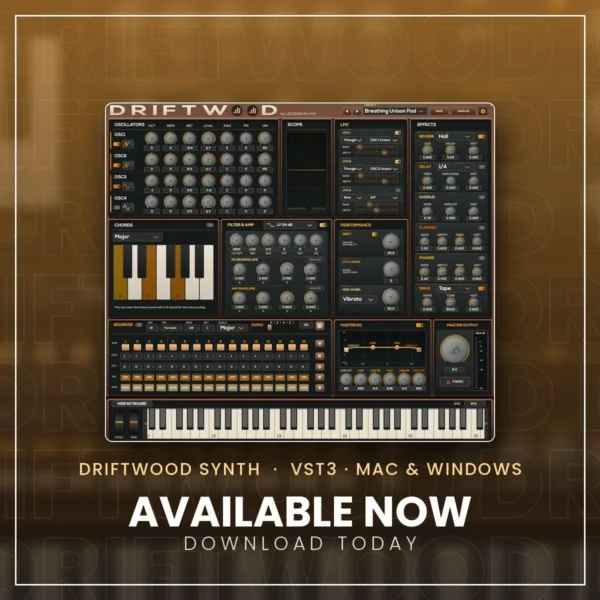
Original price was: €39,95.€19,95Current price is: €19,95.
A warm, hands-on polyphonic synth for Ableton Live and every VST3 host. Mac and Windows, one serial for up to 3 computers. Try it free for 30 days.
Try Driftwood free for 30 days (version 1.0.6)
Download, install and play. No account or serial needed. After 30 days it keeps working in demo mode (a short silence every minute) until you buy a serial.
Free trial for MacFree trial for Windows
macOS 11+ (Apple Silicon & Intel) · Windows 10/11 (64-bit) · Read the manual (PDF)
Driftwood: a warm, hands-on polyphonic synth
Driftwood is the synth plug-in by Lessons in Live, made for Ableton Live and every VST3 host.
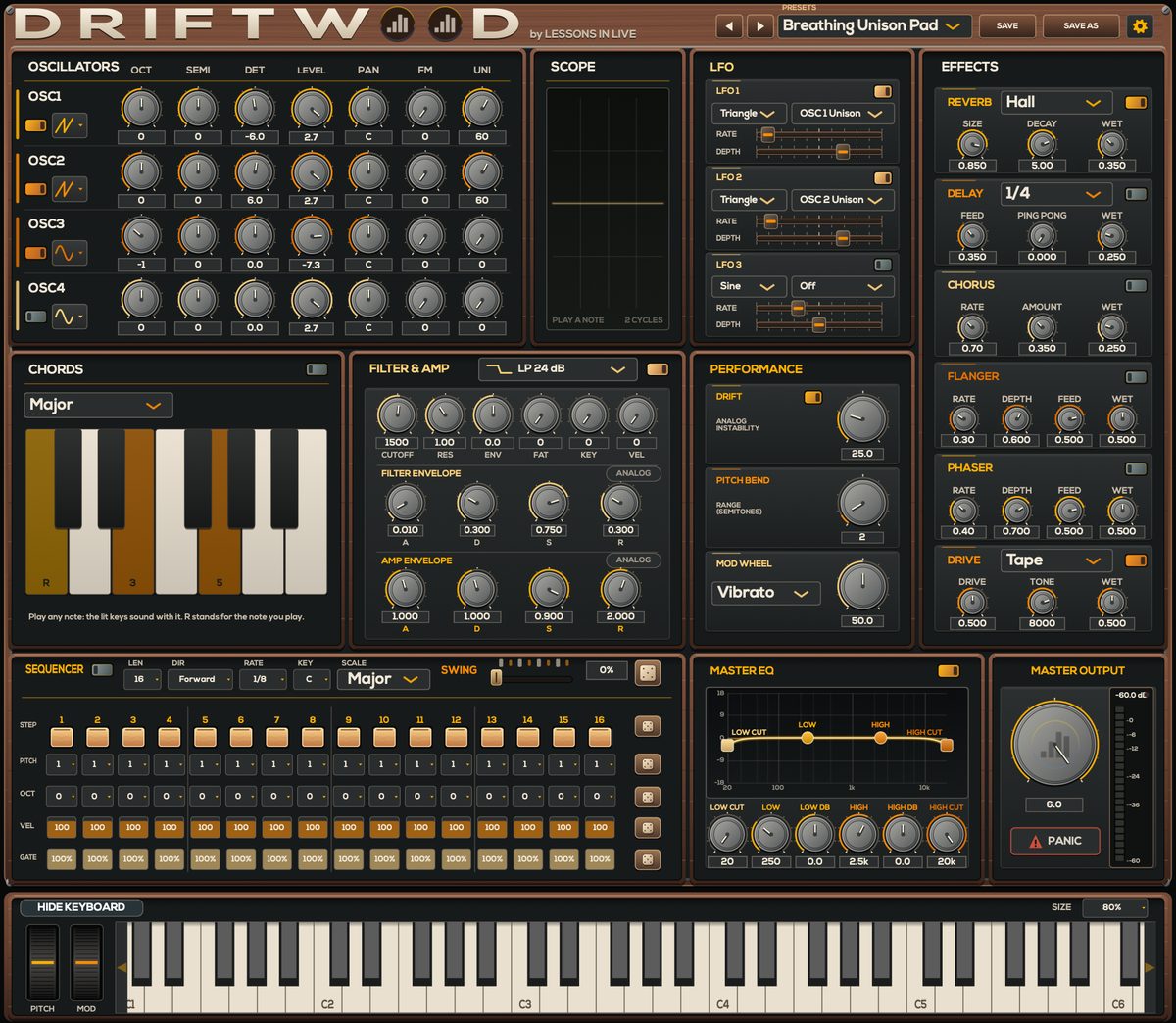
- Sound engine: four oscillators with FM and unison, a fat filter with four characters (Clean, Ladder, Acid, Vintage SVF), analog-style envelopes and three LFOs.
- Play and create: chords, a 16-step sequencer with swing, glide / portamento (Poly, Mono, Legato), six effects and a master EQ with live spectrum.
- Looks and sounds: seven skins, a resizable window and 105 presets with favourites.
- Clean top end: anti-aliased throughout.
What’s new in Driftwood 1.0.6
- Update notice: Driftwood tells you when a new version is out, with a direct download link (at most one check a day, no personal data sent; can be switched off in the settings menu).
- Click-free switching: turning an effect on or off, changing the filter type or mode, the delay time or the preset while notes are playing now crossfades smoothly instead of clicking.
- Browse presets while a clip plays: sounding notes glide into the new preset.
- Sequencer slides: with the play mode on Legato, a step at 100 % length slides into the next one, the classic 303 slide.
- Fixed: a note could hang after switching between Poly, Mono and Legato while notes were playing.
- Fixed: in some hosts, finished notes could keep a voice busy in the background.
- Safer preset-pack installation.
- The factory preset Fat Acid Lead no longer overloads on very high notes (new installations).
Driftwood 1.0.4
- Glide / portamento with three play modes: Poly, Mono and Legato (classic 303-style slides: overlap notes to glide). Find it in the Performance panel.
- Resize the window freely: drag the bottom-right corner (60 to 150 %).
- Favourite presets: click the star next to the preset name; favourites appear at the top of the preset menu.
- Fixed: a click when a short pluck sound was let go during its decay.
Already own Driftwood? It’s a free update: download 1.0.6 with the link in your order e-mail (or from My account › Downloads if you have an account) and install it over your current version. Your serial stays activated.
Earlier: Driftwood 1.0.2
- Install preset packs straight from Driftwood: gear menu › Install Preset Pack…, or drag the .dwpack file onto the Driftwood window.
- A tidier preset menu: one folder per category, and installed packs under PRESET PACKS.
- Open Preset Folder in the gear menu.
Formats and systems
VST3 and standalone app, for macOS 11+ (Apple Silicon and Intel) and Windows 10/11 (64-bit).
One purchase, both systems
Buying Driftwood gives you both the Mac and the Windows version and one serial number for up to 3 of your computers.
Try it free for 30 days
The download works as a free 30-day trial: install it and play. After the trial it keeps working in demo mode (a short silence every minute) until you enter your serial.
SHARE THIS PRODUCT: