

No products in the basket.
Anyone who has tried to warp an old disco, funk or soul record in Ableton Live knows the feeling. The drummer speeds up in the chorus, slows down in the break, and Live’s auto-warp puts the markers everywhere except on the beat. So you end up dragging warp markers by hand for an hour, before you’ve made a single creative decision. I’ve been teaching Ableton Live for years, and it’s one of the questions my students ask me most. That’s why I made Warp Me.
Why warping old records is so hard
Records from the 60s, 70s and 80s were played by real drummers, without a click track. The tempo breathes: it drifts a few BPM over a whole song, pushes in the chorus and lays back in the verses. Live’s own warping is made for music that was already on a grid. On a live record it often picks the wrong transient, or finds the right tempo but puts the 1 in the wrong place, so your edit starts half a beat off.
What Warp Me does
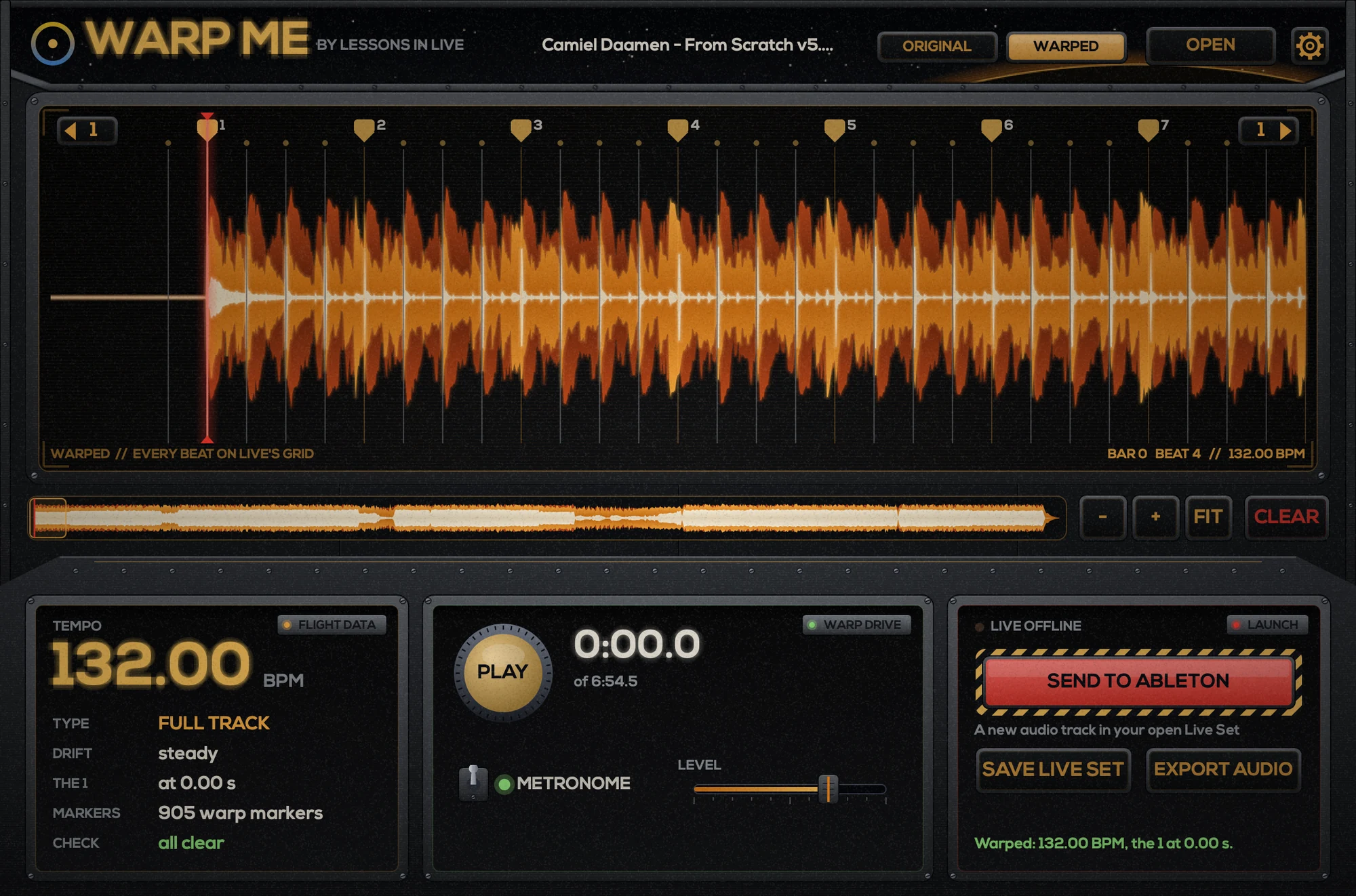
Warp Me is a stand-alone app for Mac and Windows that does that job for you. Drop in a WAV, AIFF, FLAC or MP3 and it finds every beat and the 1, also on drifting disco, funk and live-band records. Then:
- SEND TO ABLETON puts the track on a new audio track in your open Live Set, already warped, with the 1 on a bar line and every beat on Live’s grid.
- CHECK shows in orange the few spots where Warp Me is least sure, and NEXT jumps straight to them, so you only listen where it matters.
- Move warp markers by hand (new in 1.4): drag a marker and it snaps onto the nearest kick or snare. Cmd+Z / Ctrl+Z undoes it.
- EXPORT AUDIO for every other DAW (Logic, Cubase, FL Studio, Bitwig, Pro Tools): a WAV or AIFF at one straight tempo, starting right on the 1.
- BATCH: drop a whole folder (up to 1,000 tracks) and warp them all in one go, for a DJ set or a crate of edits.
- House and techno made on a clock get one dead-straight grid through the kicks; waltzes in 3/4 are recognised too.
What DJs and producers say
Updates that come from you
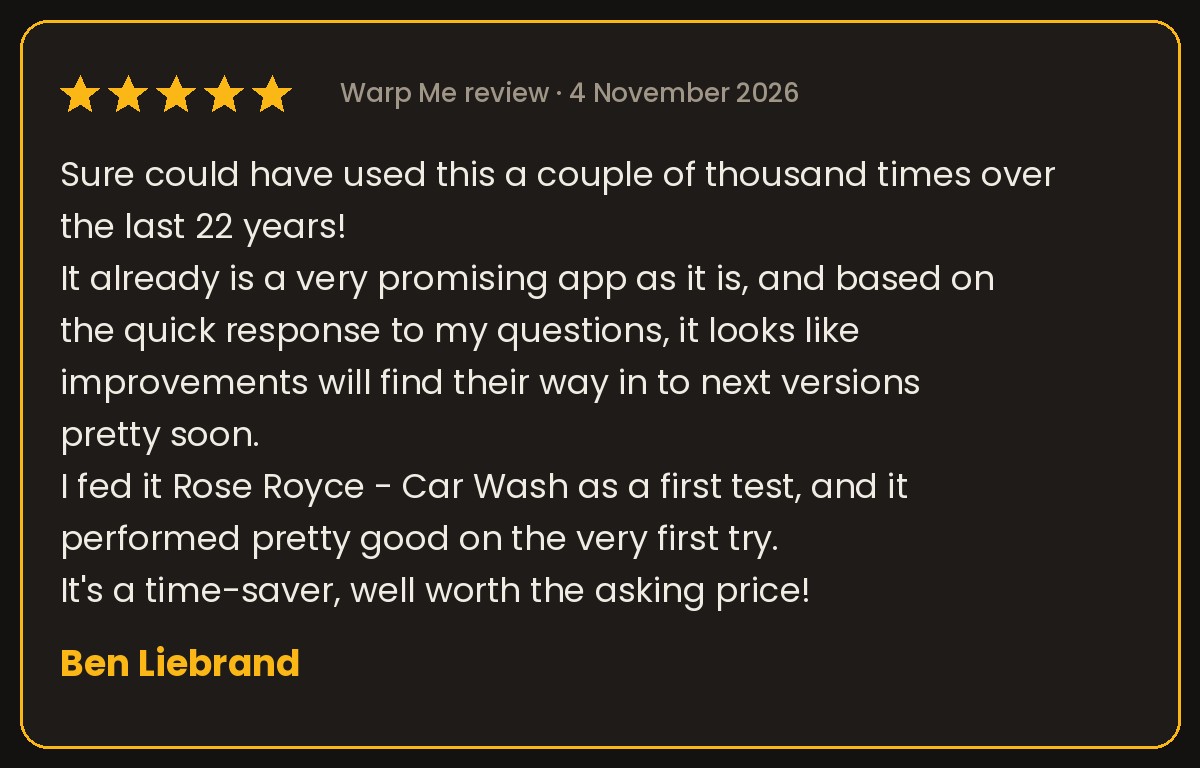
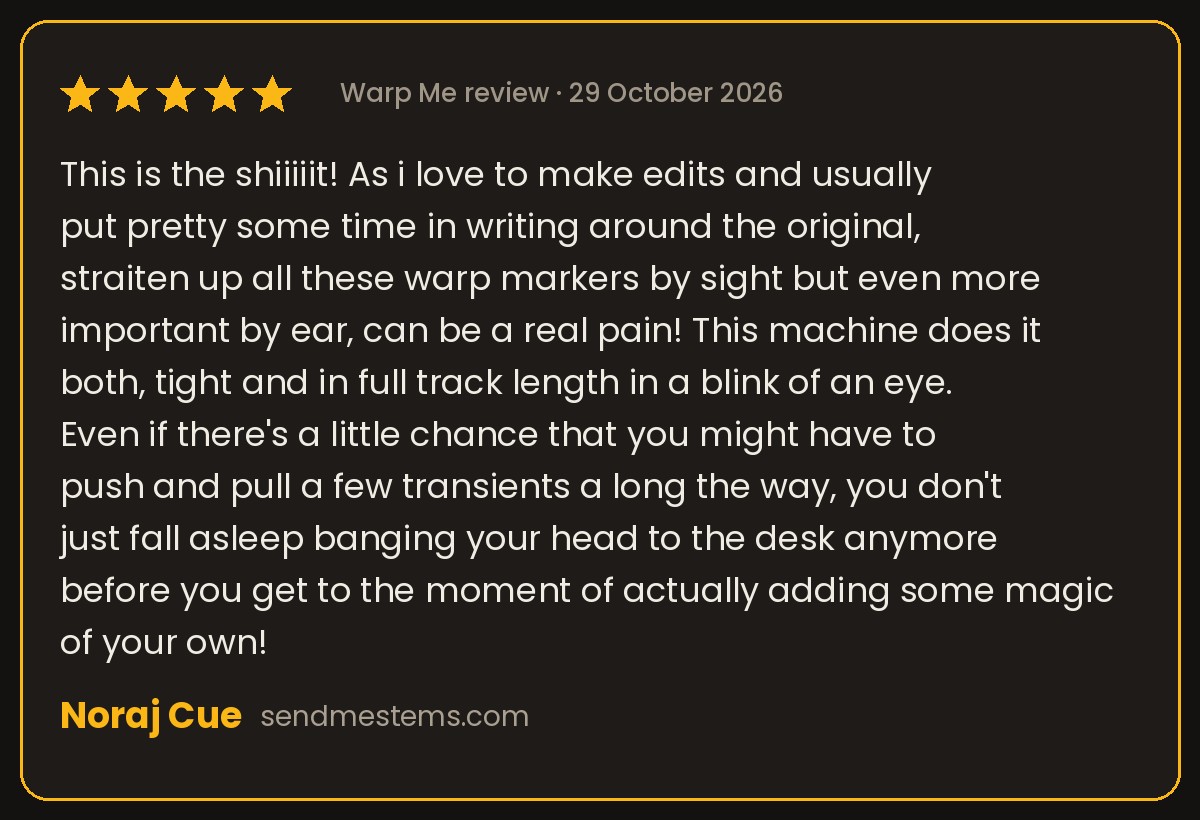
Something people mention a lot: a quick answer when you ask a question. Many of the features in Warp Me came straight from the people who use it. Users asked to move warp markers by hand and to export at an exact tempo, and both are in now. Every update is free, Warp Me tells you inside the app when there’s a new version, and you can read what changed in each version on the Warp Me What’s new page.
How to warp an old record in Ableton Live with Warp Me
- Open Live with a set, and drop your record (WAV, AIFF, FLAC or MP3) into Warp Me.
- Press PLAY with the METRONOME on and listen: the high click should land on the 1. If it doesn’t, the ◀ 1 and 1 ▶ arrows move it a beat.
- Press CHECK and listen to the orange spots with NEXT. Drag a marker if needed.
- Press SEND TO ABLETON. The track appears in Live, warped, in time with Live’s metronome. Now you can edit, loop and layer it at any tempo.
Try it free
Warp Me runs on Mac and Windows, and the download is a free 30-day trial: download Warp Me here. One serial works on two computers, your desktop and your laptop. And if you want to learn how to turn those warped records into your own edits and tracks, have a look at my Ableton Live courses.